For home · Upgrades
Upgrades and
custom builds
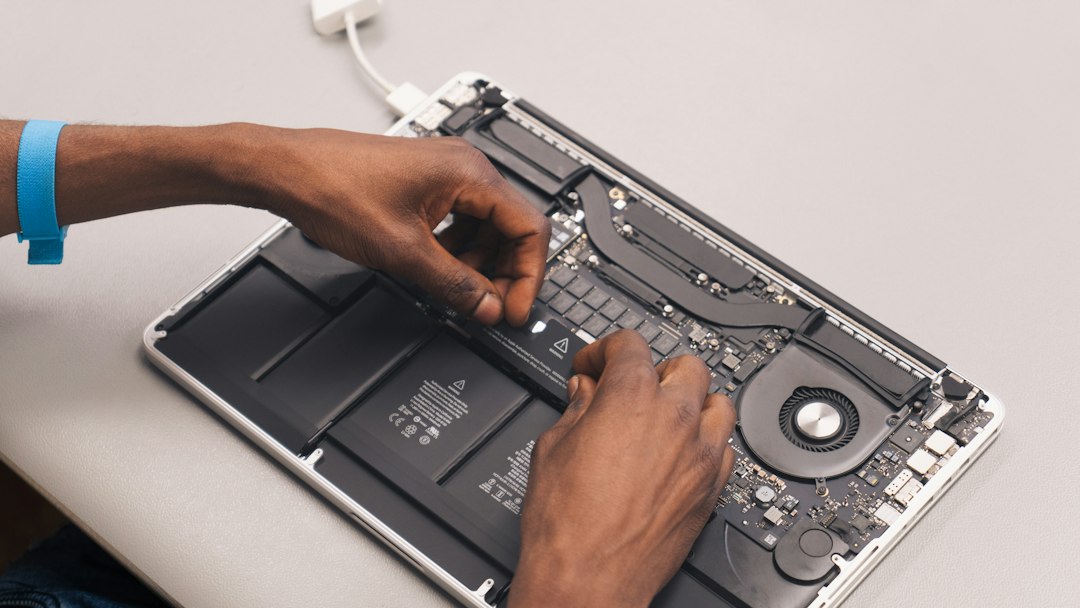
An SSD and more memory will often make a five-year-old computer feel new for a fraction of replacing it. When that is not enough, a machine built around what you actually do with it.
What this covers
- Replacing a mechanical hard drive with an SSD — the single biggest change most machines can have
- Memory upgrades
- Graphics cards, power supplies and cooling
- Custom builds for gaming, photo and video work, or CAD
- Moving your files, programs and settings to a new machine
- An honest assessment of whether upgrading is worth it at all
When replacing is the right call
Sometimes it is. A laptop with a failing board, a desktop on a platform that cannot take more memory, or a machine too old to still receive security updates — those are worth replacing, and you will be told so. The point is that the question gets asked and answered honestly, rather than assumed in the direction that happens to sell more hardware.
Not sure where to start?
Describe what is happening, or what you are planning. Estimates are free and the first conversation is with the engineer who would do the work — not a salesperson working from a script.
Get a quote616-534-4325info@nexgenit.us
On site within 90 miles of Allendale, MI · Microsoft 365, tenancy and cloud work delivered remotely anywhere · Mon–Fri 9am–5pm ET