For home · Data
Backups and
data recovery
Getting photos off a drive that is failing, and then setting up a backup that runs on its own so it never becomes an emergency again.
What this covers
- Recovering files and photos from drives that are failing or will not mount
- Rescuing data from a computer that no longer starts
- Automatic backup set up so you never have to remember it
- Cloud sync configured properly — including what it does not protect you from
- Consolidating years of photos scattered across phones, laptops and old drives
If a drive is making noise,
stop using it
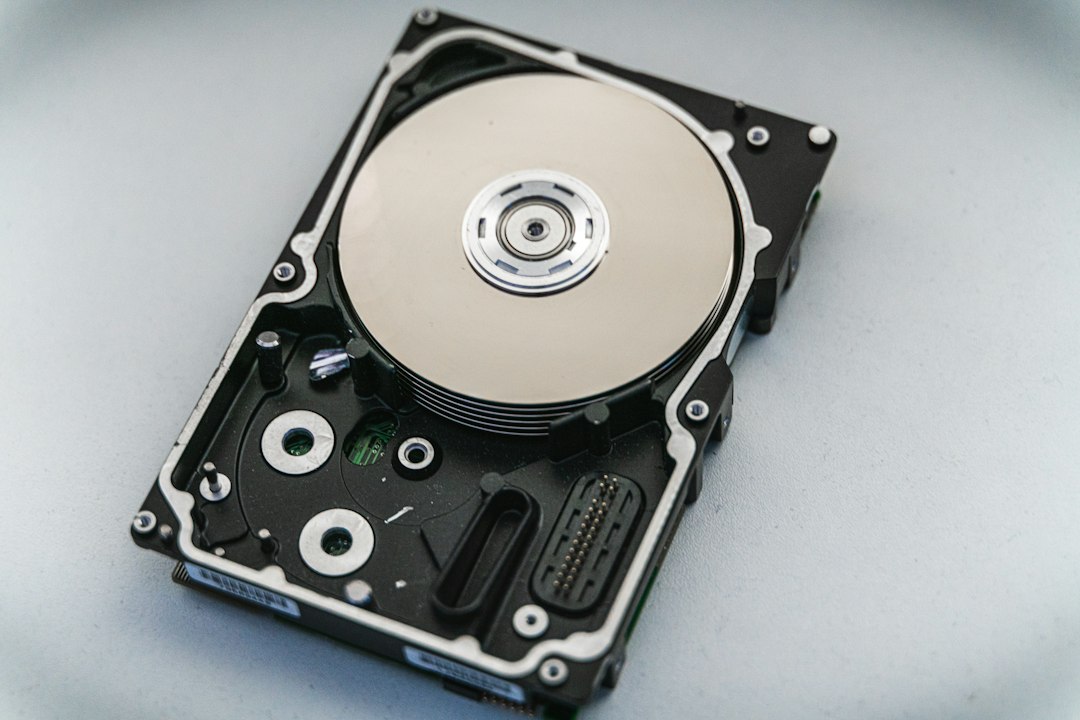
A clicking or grinding drive is failing mechanically, and every further minute it spends powered on reduces what can be recovered. Turn it off and leave it off. The same applies to repeated attempts to boot a machine that will not start — each try can make the eventual recovery harder and more expensive.
Worth knowing: cloud sync is not a backup. If a file is deleted or encrypted on your computer, the service faithfully syncs that change everywhere. It protects you against losing the machine, not against losing the file.
Not sure where to start?
Describe what is happening, or what you are planning. Estimates are free and the first conversation is with the engineer who would do the work — not a salesperson working from a script.
Get a quote616-534-4325info@nexgenit.us
On site within 90 miles of Allendale, MI · Microsoft 365, tenancy and cloud work delivered remotely anywhere · Mon–Fri 9am–5pm ET